DA Node
1. Install dependencies
sudo apt-get updatesudo apt-get install clang cmake build-essential pkg-config libssl-dev protobuf-compiler llvm llvm-dev2. Install go
cd $HOME && \ver="1.22.0" && \wget "https://golang.org/dl/go$ver.linux-amd64.tar.gz" && \sudo rm -rf /usr/local/go && \sudo tar -C /usr/local -xzf "go$ver.linux-amd64.tar.gz" && \rm "go$ver.linux-amd64.tar.gz" && \echo "export PATH=$PATH:/usr/local/go/bin:$HOME/go/bin" >> ~/.bash_profile && \source ~/.bash_profile && \go version3. Install rust
curl --proto '=https' --tlsv1.2 -sSf https://sh.rustup.rs | sh4. Download & build binary
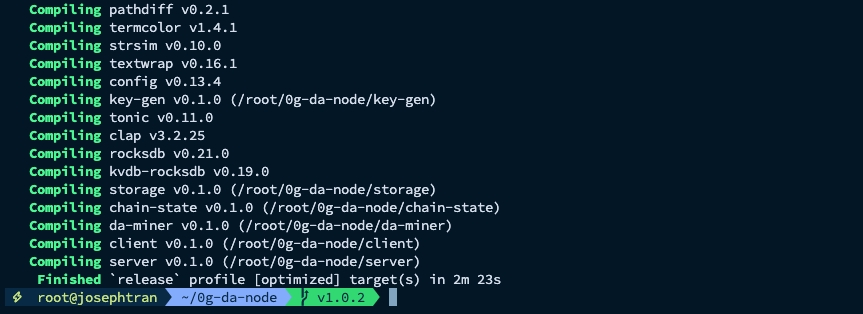
git clone https://github.com/0glabs/0g-da-node.gitcd 0g-da-nodegit fetch --all --taggit checkout v1.1.3git submodule update --initcargo build --release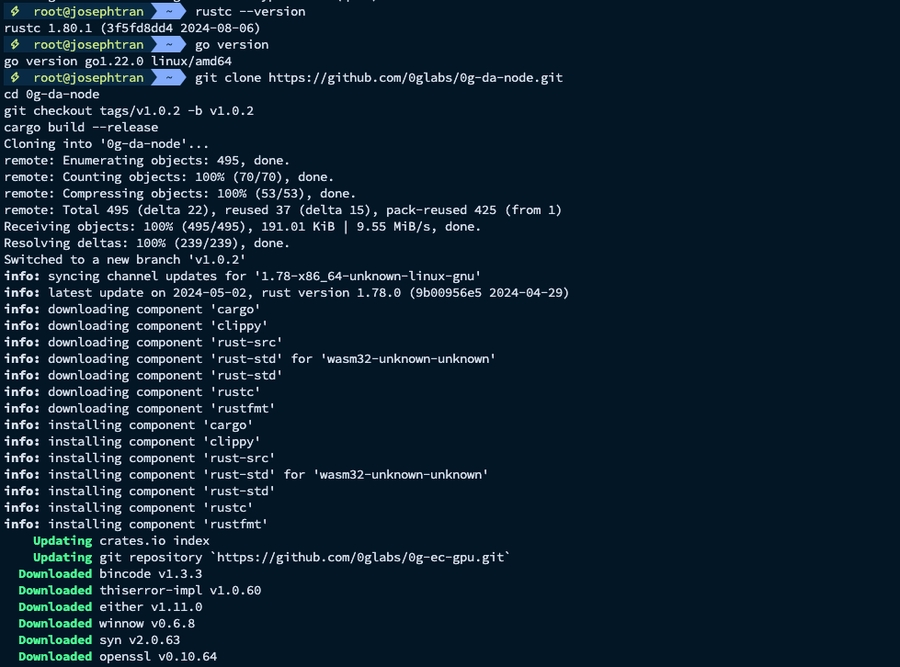
Download params
./dev_support/download_params.sh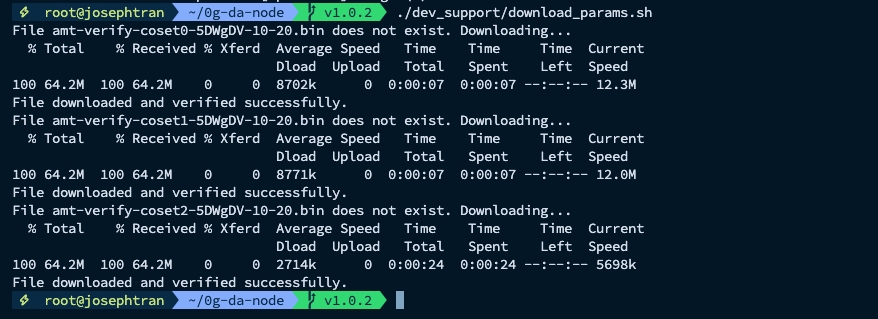
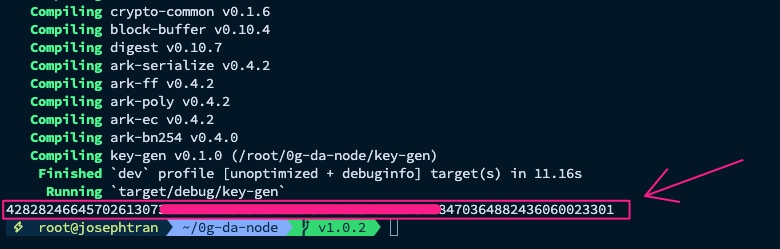
5. Generate BLS private key:
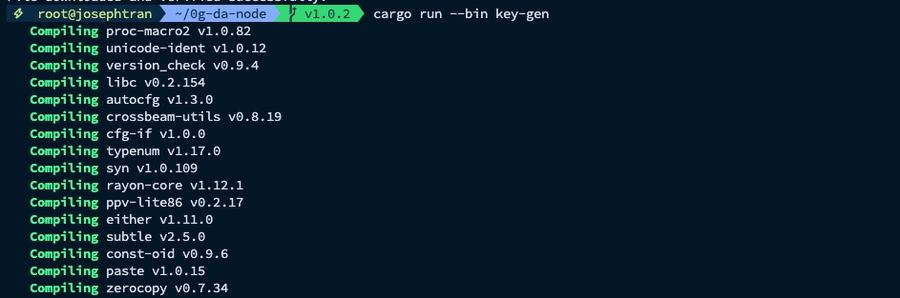
On the first run of DA node, it will register the signer information in DA contract. To generate a BLS private key if don’t have:
Danger
Please keep the generated BLS private key carefully
6. Configuration
Sample:
Replace your keys
socket_address = VPS_Public_IP:34000 signer_bls_private_key = 85656xxxxxxx signer_eth_private_key = 4534xxxxxx miner_eth_private_key = 4534xxxxxx
7. Create service
8. Start node
9. Check log
Result:
# Delete node
Last updated